English
 Español


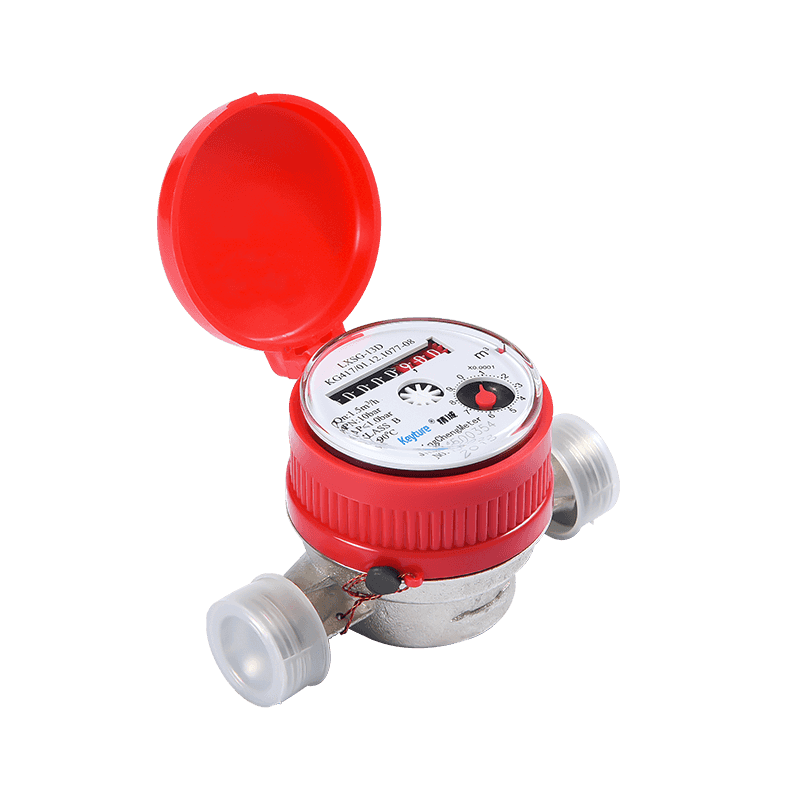
A routine water meter reading comes from the register, not from the pipe, the app, or the small dials around the edge. Read the whole-cubic-metre digits first: on most mechanical meters these are the black or white numbers to the left of the decimal point. Use the red digits, small dials, flow indicator or remote portal only to confirm consumption, check for leaks or investigate a high bill. The unit on the meter face controls everything; if it says m³, the reading is in cubic metres, and 1 m³ equals 1,000 litres.
The practical difference between dial, digital and remote models is where the total volume is displayed and how quickly that display can be trusted. A dial meter needs a visual read and a little care with parallax. A digital meter needs the display cycle to finish. A remote model needs the timestamp and the data status to be checked before the number is copied into a billing or maintenance record. The table below gives the short answer before the detailed steps.
| Meter type | Read first | Unit check | Use the second display for | Common reading error |
|---|---|---|---|---|
| Dial or mechanical register | Black or white odometer digits, left to right | m³, with litres shown in red or by small dials | Leak checks, low-flow verification, decimal litres | Including red litre digits in a billing reading |
| Digital register | Total volume screen after a full display cycle | m³ or litres shown on screen | Flow rate, alarms, battery status, date and time | Writing down instantaneous flow instead of total volume |
| Remote or smart meter | Cumulative volume with a recent timestamp | m³ in the portal, app or reading file | Interval data, reverse-flow alarms, tamper events | Using an estimated or stale reading as an actual one |
A meter reading is a snapshot of a cumulative register. It is not a bill, a flow rate or a leak diagnosis by itself. Two accurate readings taken at known times tell you consumption. A single reading tells you only the current total. That distinction matters when a customer disputes a bill, when a property manager checks a vacant unit, or when a maintenance team is trying to decide whether a pump or valve is passing water.
Most mechanical dial meters use a row of numbered rollers plus several small circular dials. The roller row is the main register. Read it from left to right, including any leading zeros. If the register shows 002345, the reading is 2345 m³, not 23.45 m³ and not 234.5 m³. The position of the decimal marker, the colour of the digits and the unit printed on the face decide the value. Do not assume that a five-digit display means tens of thousands of cubic metres; some domestic meters show five whole digits and three decimal litres, while others show four whole digits and a separate litre dial.
The small dials usually represent fractions of one cubic metre: 0.1 m³, 0.01 m³, 0.001 m³ and 0.0001 m³ on a typical household register. They are useful for leak checks because a slow flow may not move the main roller for hours. They are not normally needed for a monthly billing reading. If a utility asks for a reading to the nearest cubic metre, record only the whole-number portion and note the decimal separately. If the meter has a sweep hand or a small flow indicator, watch it with all taps closed. Movement is a sign that water is passing through the meter.
Parallax is a real issue on dial meters. If the meter is installed low on a wall, behind a gate or inside a dark cabinet, view the register straight on rather than from an angle. A photograph taken from the side can make the last roller look half a digit different. Use a torch if needed, but avoid pressing on the meter cover or disturbing the seal. For outdoor installations, condensation and dust can hide the digits; clean only with a soft cloth and never unscrew the register cover.
A mechanical register can also be affected by a worn roller, a sticking odometer or a fogged lens. If the digits do not advance at all while water is clearly being used, the register may be jammed rather than the supply being unused. If the digits advance but the small dials do not move under a very low flow, the low-flow measurement may be outside the meter's normal starting range. These are maintenance signals, not proof of tampering. Record the reading, the time, the serial number and a photograph before reporting the issue.
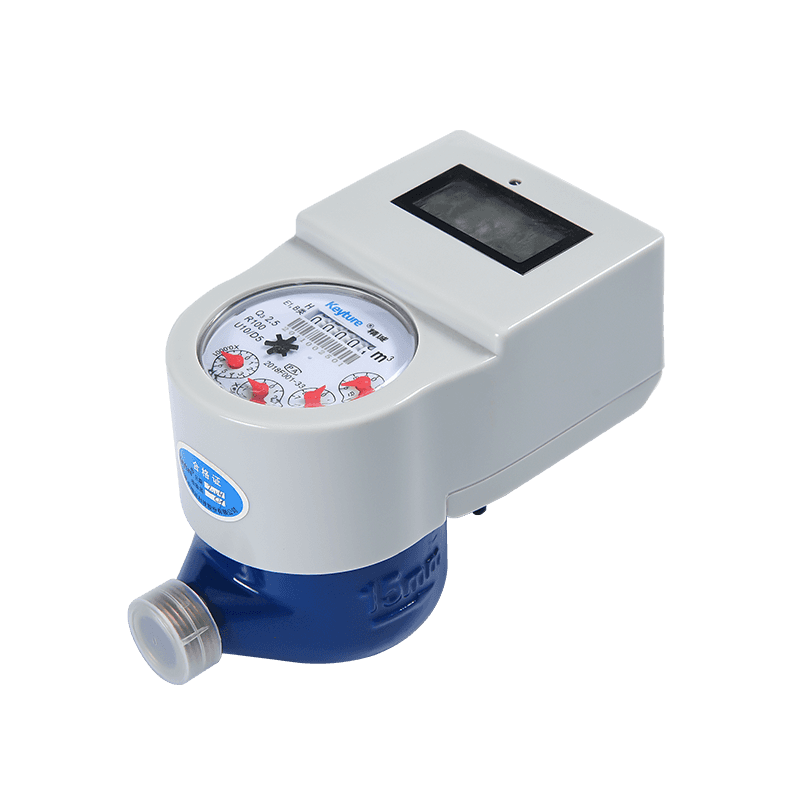
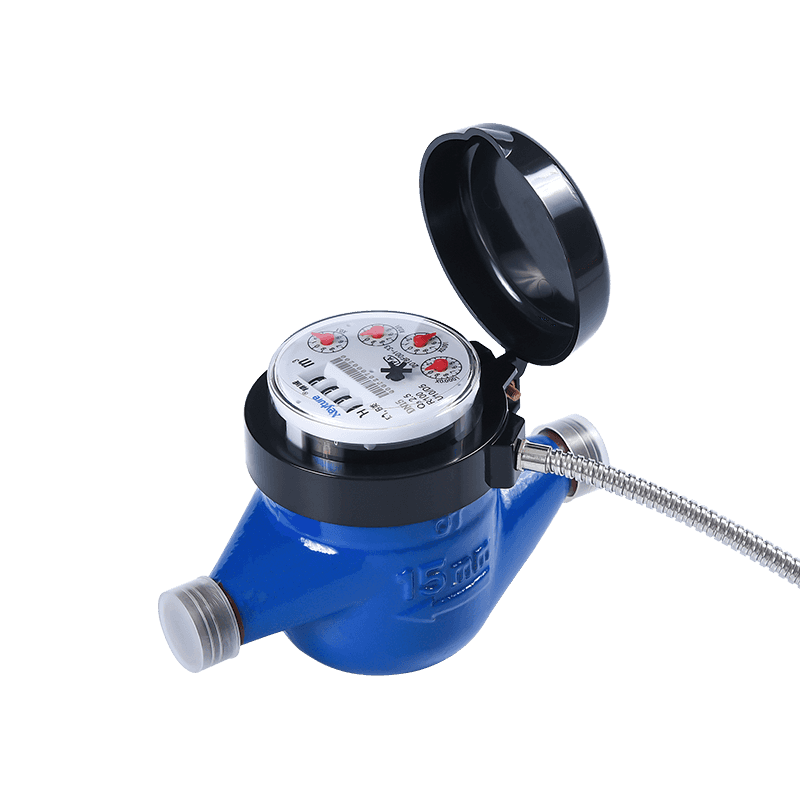
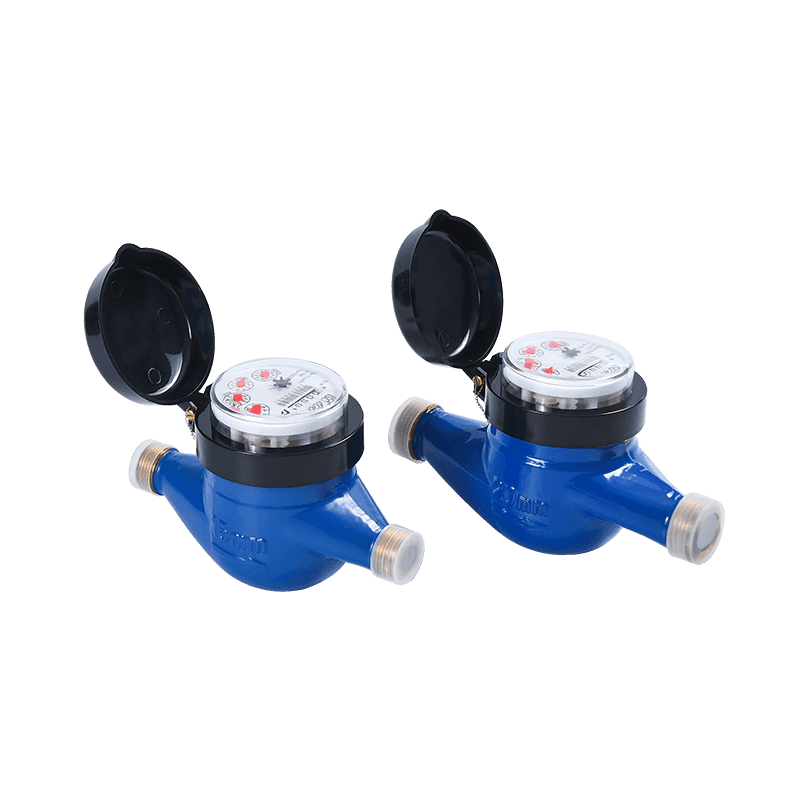 Domestic Multi-Jet Dry-Type Cold Water Meter KM05-01Mechanical multi-jet meter with dry register, magnetic drive and DN15–DN50 coverage; useful when checking register movement and recording readings.View Product →
For a dial meter, a simple field note should include the whole-cubic-metre reading, the litre or decimal portion, the unit, the meter serial number and whether the flow indicator was moving. That record is enough to compare with the previous reading and to decide whether the next step is a leak check, a meter test or a normal bill review.
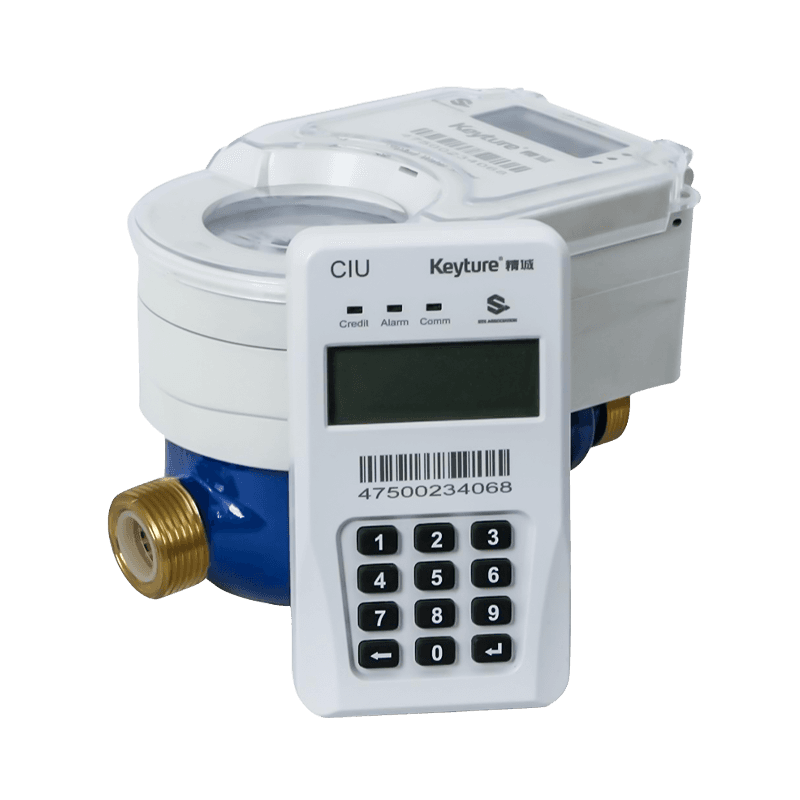
Digital water meters often show several screens in sequence: total volume, current flow rate, date and time, battery status, alarm history and sometimes tariff or valve status. The total volume screen is the one that corresponds to a conventional register reading. On many models it appears for a few seconds and then changes. Stand at the meter long enough to see the cycle repeat, or press the display button once if the model has one. Do not press repeatedly; some registers use a long press for a different menu and a short press for the next screen.
The total volume may be shown as 000123.456 m³, 123 m³ or 123456 litres, depending on the model. Read the unit on the screen, not the unit you expected from the previous meter. A digital display that shows 123.4 m³ is not the same as a mechanical register showing 1234 m³. If the last digits are flashing or separated by a decimal point, they are usually litres or a decimal fraction of a cubic metre. If the display shows a flow rate such as 0.00 m³/h, that is not the meter reading; it is the current flow at that moment.
Error and alarm codes should be recorded exactly as shown. A low-battery message may not stop the register immediately, but it can affect remote transmission or valve operation. A reverse-flow alarm may indicate a plumbing cross-connection, a faulty check valve or a meter installed in the wrong direction. An empty-pipe or air alarm may appear after a mains interruption. Do not clear an alarm before the cause is understood; the event log often carries the time and duration, which is more useful than the alarm icon itself.
Ultrasonic and other electronic meters may store total volume even when the display is difficult to read in bright sunlight or at low temperature. In that case, use the optical port, infrared reader or remote system rather than guessing from a partial screen. The reading principle is still the same: find the cumulative volume, confirm the unit, and compare it with the previous cumulative volume at a known time. For high-accuracy ultrasonic models, the display may also include diagnostic values such as signal strength or empty-pipe status; these are service data, not the billing total.
High-accuracy ultrasonic water meters often present more information than a mechanical register, so the risk shifts from reading the dial to selecting the wrong screen. A practical rule is to write down the screen label as well as the number. "Total volume, 456.789 m³, 14:20" is a usable record. "456.789" without a label or time is not.
Remote water meters send readings through pulse output, M-Bus, RS485, LoRaWAN, NB-IoT or another communication path. The customer or property team may see the reading in a portal, an app, a monthly file or a building management system rather than on the meter face. The number in the portal is usually a cumulative total, but it may be an estimated value, a previous day's value or a value derived from pulse counts. Check the status field before treating it as actual.
A remote reading should answer four questions: what is the cumulative volume, what unit is being used, when was the reading taken, and is the value actual or estimated. A timestamp from three days ago is still useful for a trend, but it is not the same as a live reading for a final bill or a leak investigation. If the portal shows both a meter reading and a communication time, compare them. A meter reading that has not changed while the communication time updates normally may indicate a register issue, a pulse input problem or a meter that is genuinely not being used.
Remote systems also make certain mistakes easier to spot. A sudden jump in night flow across several units can point to a shared leak. A reverse-flow event on one meter can point to a local plumbing fault. A meter that reports zero flow while the building is occupied may have a blocked strainer, a closed valve or a failed sensor. None of these conclusions should be made from a single data point. Use two or three intervals, compare them with the site's normal pattern, and then send someone to the physical meter.
When a remote reading is used for billing, the reading should be traceable to the meter serial number and the communication path. In larger properties, meters may be grouped by riser, building, block or tenant. A reading assigned to the wrong account is an administrative error, not a metering error, but the effect on the bill is the same. Check the asset ID and location before copying the number. If the portal allows a photograph or a field note, attach it to any manual override or exception.
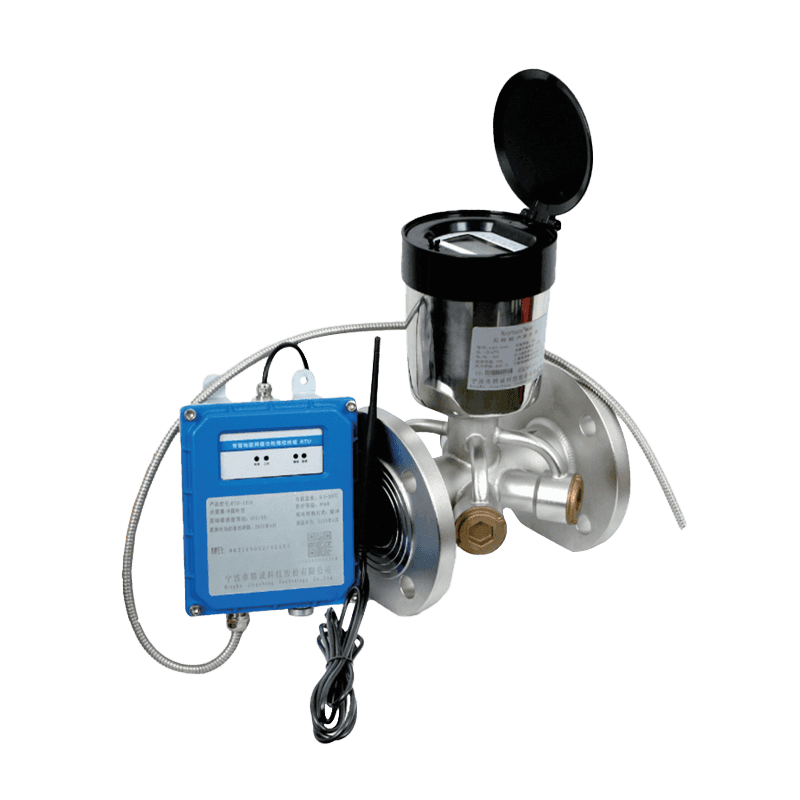
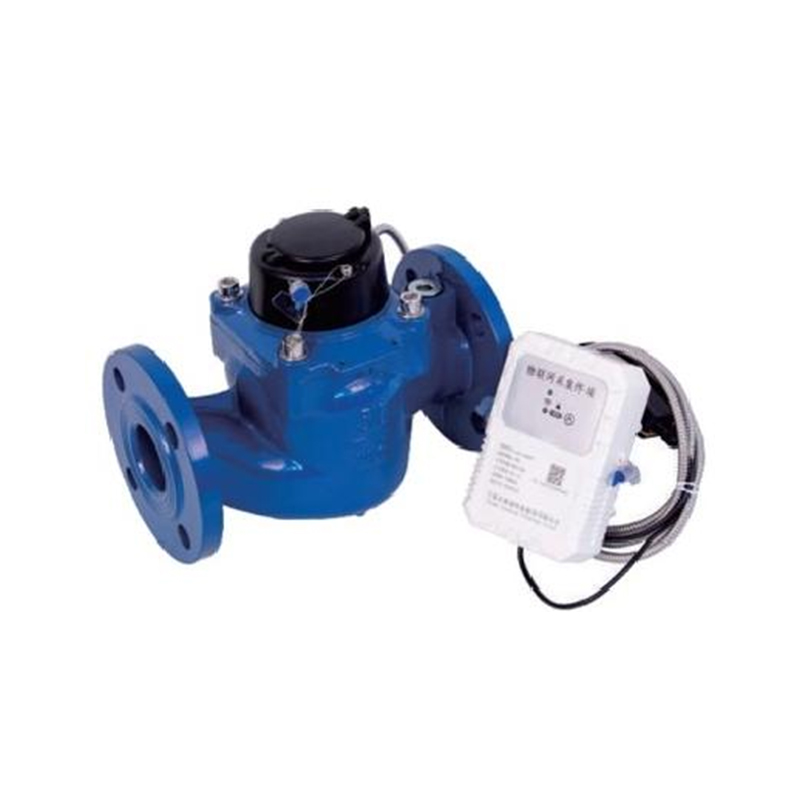
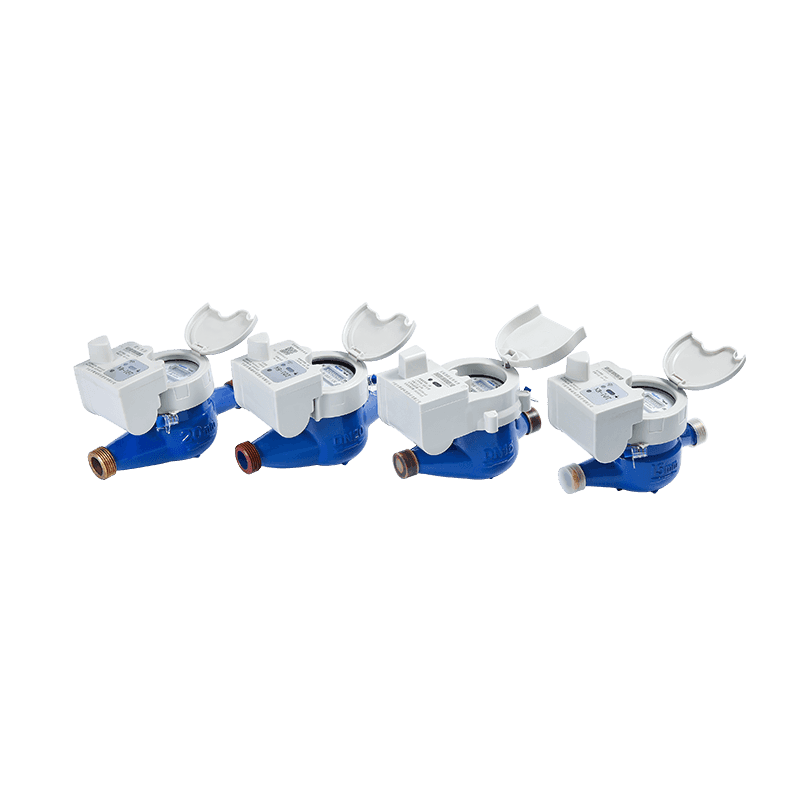 Iron-Body IP68 Wireless Remote Water Meter KM01-16Split mechanical and NB-IoT/LoRa module design with IP68 protection and replaceable battery; supports traceable remote readings tied to meter serial numbers.View Product →
For a technical view of how wireless registers collect and transmit usage data, see this explanation of how a wireless remote water meter works. The reading principle remains simple: cumulative volume, correct unit, recent timestamp and a clear actual-versus-estimated status.
Close every tap, stop the washing machine and dishwasher, and make sure no toilet is filling and no irrigation valve is open. On a dial meter, watch the sweep hand or the smallest dial that is visible. On a digital meter, open the flow-rate screen and watch it for at least one full display cycle. On a remote system, look at the shortest interval data available and compare the current interval with the same hour on a normal day. A leak is not proved by one moving dial alone, but a steady flow with all fixtures closed deserves investigation.
For a simple whole-property test, record the reading, wait 15 minutes without using water, and record it again. A change of a few litres may be a toilet cistern refilling, an ice maker or a pressure-relief device. A steady change over 15 minutes is more serious. Repeat the test at night if possible, when demand is stable. On a remote meter, the interval data may be delayed, so allow for the reporting lag before concluding that the property is leak-free.
The rates are illustrative. The visible effect depends on meter size, starting flow, display resolution and the length of the test. A 0.5 L/h drip may take two hours to show one litre on a register with 0.1 m³ resolution, which is why the small dials or flow screen matter.
On a mechanical meter, a positive movement on the smallest dial is more useful than waiting for the whole-cubic-metre roller to move. On a digital meter, the flow screen may show 0.00 when the flow is below the display threshold. On a remote meter, the interval data may be averaged, so a short draw-off can disappear into a longer interval. Use the method that matches the display, and record the uncertainty rather than forcing a conclusion.
Decimal errors are the most common cause of a reading that looks ten times too high or too low. A mechanical register may show 1234 m³ with a red 567 for litres, which is 1234.567 m³. A digital display may show 1234.567 m³ with a decimal point that is easy to miss in bright light. A remote portal may report 1234567 litres while the meter face reports 1234.567 m³. All three can describe the same consumption; the number is only wrong when the unit and decimal position are ignored.
Flow-rate screens cause a different error. A digital meter may show 0.35 m³/h while the total volume is 2345 m³. If the reader copies 0.35, the account appears to have used almost no water. The total volume screen is normally labelled "total", "accumulated", "volume" or a similar term. If the label is not visible, wait for the cycle to return and watch which number increases over time. The cumulative total should rise slowly or stay steady; the flow rate will rise and fall with taps and appliances.
Parallax affects dial meters, but it can also affect digital displays viewed from an angle in a dark cabinet. Data lag affects remote meters. A portal reading taken at 10:00 may represent the meter at 08:00, or it may be a daily value copied from the previous midnight. Check the portal's time basis. If the reading is used for a final account, ask for an actual reading with a timestamp close to the handover time. If that is not possible, record the reading as estimated and explain the basis.
Flow rate is a live value in m³/h or L/min. Billing uses cumulative volume in m³ or litres.
A red digit or a separated digit is often a litre fraction. Do not include it in a whole-cubic-metre reading unless the utility requires it.
A reading without a time is difficult to compare with a bill, a leak test or a previous route visit.
A clear photograph should show the digits, unit, serial number and any alarm or flow indicator.
Start with two actual readings at known times. Subtract the earlier reading from the later reading to get consumption in the same unit. If the meter reads in m³, a difference of 12 m³ is 12,000 litres. Compare that difference with the billing period, the number of occupants, the irrigation season, a swimming pool top-up, a recent plumbing repair or a change in occupancy. A high bill is not automatically a meter fault, and a meter fault is not automatically a leak. The two need separate checks.
Next, run the leak test described above. Then check the register against the bill. Some bills use estimated readings for one or more cycles and then a catch-up actual reading. That can make one bill look unusually high even when total annual consumption is normal. Look at the reading type on the bill: actual, estimated or customer-read. If the bill says estimated, the next actual reading may correct the balance. If the bill says actual but the reading does not match the meter, ask for a re-read before requesting a meter test.
For a disputed reading, record the meter serial number, the register reading, the decimal portion, the unit, the date, the time and the names of anyone present. Take a photograph that includes the whole register and the seal. Do not remove the seal or open the meter. If the meter has a remote unit, record the portal reading and the timestamp as well. If the two disagree, the physical register is usually the reference until the communication path has been checked.
A simple consumption example helps avoid arithmetic mistakes. If the previous reading was 1450.200 m³ and the current reading is 1478.650 m³, the difference is 28.450 m³. At a tariff of 2.10 per cubic metre, the usage charge is about 59.75 before fixed charges and taxes. If the decimal is dropped and the readings are treated as 1450200 and 1478650, the difference becomes 28,450 m³, which is clearly not a domestic consumption pattern. Decimal discipline matters more than calculator speed.
A reading route is a data-collection process, not just a number. The same fields should be captured for dial, digital and remote meters so that exceptions can be reviewed later. The exact format can be a paper sheet, a mobile form or a spreadsheet export, but the content should be consistent. A missing unit or a missing timestamp turns a useful record into a guess.
| Field | Why it matters | Example |
|---|---|---|
| Asset ID and serial number | Prevents a reading being assigned to the wrong meter or account | Meter 04-17, serial 2308xxxx |
| Location | Helps the next reader find the meter and confirms the service point | Block B, ground floor riser |
| Reading and unit | Separates whole cubic metres from litres or decimals | 1478.650 m³ |
| Date and time | Makes consumption intervals and leak tests comparable | 14 Nov, 09:40 |
| Read type | Shows whether the value is actual, estimated or remote | Actual, visual |
| Condition note | Records fogging, damage, alarm codes, reverse flow or access issues | Display dim; no alarm |
| Photograph reference | Supports later review and reduces repeat visits | Photo 2026-11-14-0940 |
For remote meters, add the communication status and the timestamp from the portal. For dial meters, add the flow-indicator state. For digital meters, add the screen label. These small additions take seconds in the field and save much longer discussions later. If a reader cannot access the meter, record the reason rather than copying the previous reading. An inaccessible meter is an exception, not a zero-consumption event.
Route sequencing also affects accuracy. Read meters in a consistent order so that a missed property is obvious. In buildings with shared risers, read from the lowest floor upward and check that the asset ID matches the door or unit number. In outdoor pits, lift the cover safely and allow condensation to clear before reading. Never stand on a meter box lid or use the meter as a step. These practical habits protect both the reader and the register.
Reading difficulty is often designed into the product. A register with large digits, clear colour separation between whole cubic metres and litres, and a stable display cycle is easier to read than a compact register with low contrast. A remote meter with a clear actual-versus-estimated flag is easier to audit than one that shows only a number. These are procurement points, not cosmetic preferences, because poor readability increases field time and billing disputes.
Black or white whole-number digits with red or clearly separated litre digits reduce decimal errors. A fogged or scratched lens has the opposite effect.
A digital meter should hold the total volume screen long enough to read and photograph. If the cycle is too fast, field errors increase.
Outdoor pits and wet risers need appropriate sealing. Condensation inside the register can make a correct meter look faulty.
Remote models should expose timestamp, actual or estimated status, battery condition and alarm events, not only the volume.
Small dials, a sweep hand or a digital flow screen help with leak checks. A register that moves only at high flow is harder to diagnose.
Replaceable registers, clear seals and accessible battery or communication modules reduce maintenance time without disturbing the hydraulic body.
For large pipes, the same reading logic applies, but the consequences of a decimal error are larger. A bulk meter may show hundreds of cubic metres per day, and a portal may aggregate several meters. Confirm whether the portal displays the meter total, a daily total or a calculated difference. Confirm whether the unit is m³ or litres. A reading that is correct at the meter can still be misused after export if the unit is changed without a clear label.
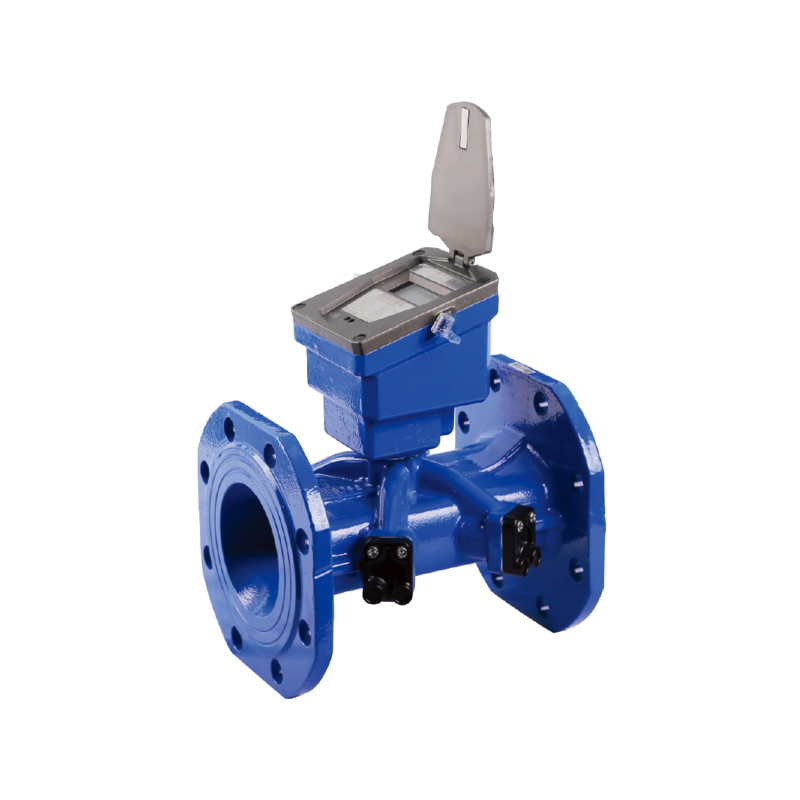
 NB Bulk-Diameter Ultrasonic Remote Water Meter KM07-03Ultrasonic bulk meter for DN32–DN300 commercial and industrial pipes with remote communication, forward and reverse flow detection, and IP68 protection.View Product →
For remote large-diameter installations, the useful reading record includes the meter total, the interval volume, the communication time and any alarm state. That combination lets a utility distinguish between a genuine demand change and a communication delay. It also makes the reading defensible when a customer or facility manager asks why the reported consumption changed.
A dial meter remains practical where the meter is accessible, the reading route is short and the utility needs a simple visual register. It is easy to understand, does not depend on a battery for the display and gives a useful low-flow indication through the small dials. Its weakness is human error: decimals, parallax and poor lighting. A digital meter suits sites where more data is useful, such as flow rate, alarms, battery status and electronic totalisation. It still needs a reader who waits for the correct screen. A remote meter suits distributed sites, hard-to-access pits and frequent interval data, but it introduces dependence on communication, timestamps and data status.
The best choice is not always the most electronic one. A single small domestic meter with safe access may need nothing more than a clear mechanical register. A group of apartments with irregular access may benefit from remote reading because the alternative is repeated estimated bills. A facility with a large bulk meter may need both a local register and a remote signal so that the field team can verify the portal value during a dispute. The reading method should match the access, the billing process and the maintenance capability, not just the product category.
In all three cases, the same three checks prevent most errors. First, confirm the unit. Second, confirm that the number is cumulative volume rather than flow. Third, record the time and the reading type. A reader who does these three things can work with a dial, a digital display or a portal without changing the basic logic. A reader who skips them can misread even the clearest register.
Read the black or white whole-cubic-metre digits from left to right. The red digits, small dials or decimal portion show litres or fractions of a cubic metre. Use them for leak checks or detailed verification, but do not include them in a normal whole-m³ billing reading unless the utility asks for that precision.
The bill may be based on an estimated reading, a previous cycle or a different unit. Compare the meter total with the reading printed on the bill, then check the read type. A digital meter may also cycle through several screens; the total volume screen is the one to compare, not the flow-rate screen.
Close all taps and appliances, then watch the sweep hand, the smallest dial, the digital flow screen or the remote interval data. A steady movement over 15 minutes suggests water is passing somewhere. A short movement may be a cistern refilling or a pressure device. Repeat the test if the result is unclear.
A useful remote reading includes cumulative volume, unit, timestamp and status. The status should say whether the value is actual or estimated. Alarm fields for reverse flow, tamper, low battery or communication failure help explain unusual consumption. Without the timestamp, a portal value is difficult to compare with a bill or a leak test.
Yes, if the photograph is clear enough to show the digits, unit, decimal marker and serial number. Take the photo straight on rather than from an angle. For digital displays, wait for the total volume screen and include the screen label if possible. A photograph is a record, not a substitute for checking that the meter is the correct asset.
Check the unit and decimal position first. Then compare the meter serial number with the bill and confirm whether the reading is actual or estimated. If the number still does not match, record the reading with a photograph and ask for a re-read before requesting a meter test. Do not remove seals or open the register.


Address: No.168,LinMu Rd.,Zone B, Jiangbei investment Park, Ningbo, Zhejiang,China
Tel: +86-0574-83090480/+86-18892665118
Fax: +86-0574-83021045
Email: [email protected]
Web: https://www.keyturemeter.com/
Quick Links
Product
Mobile terminal
 Wholesale Potable Water Flow Meter Manufacturers